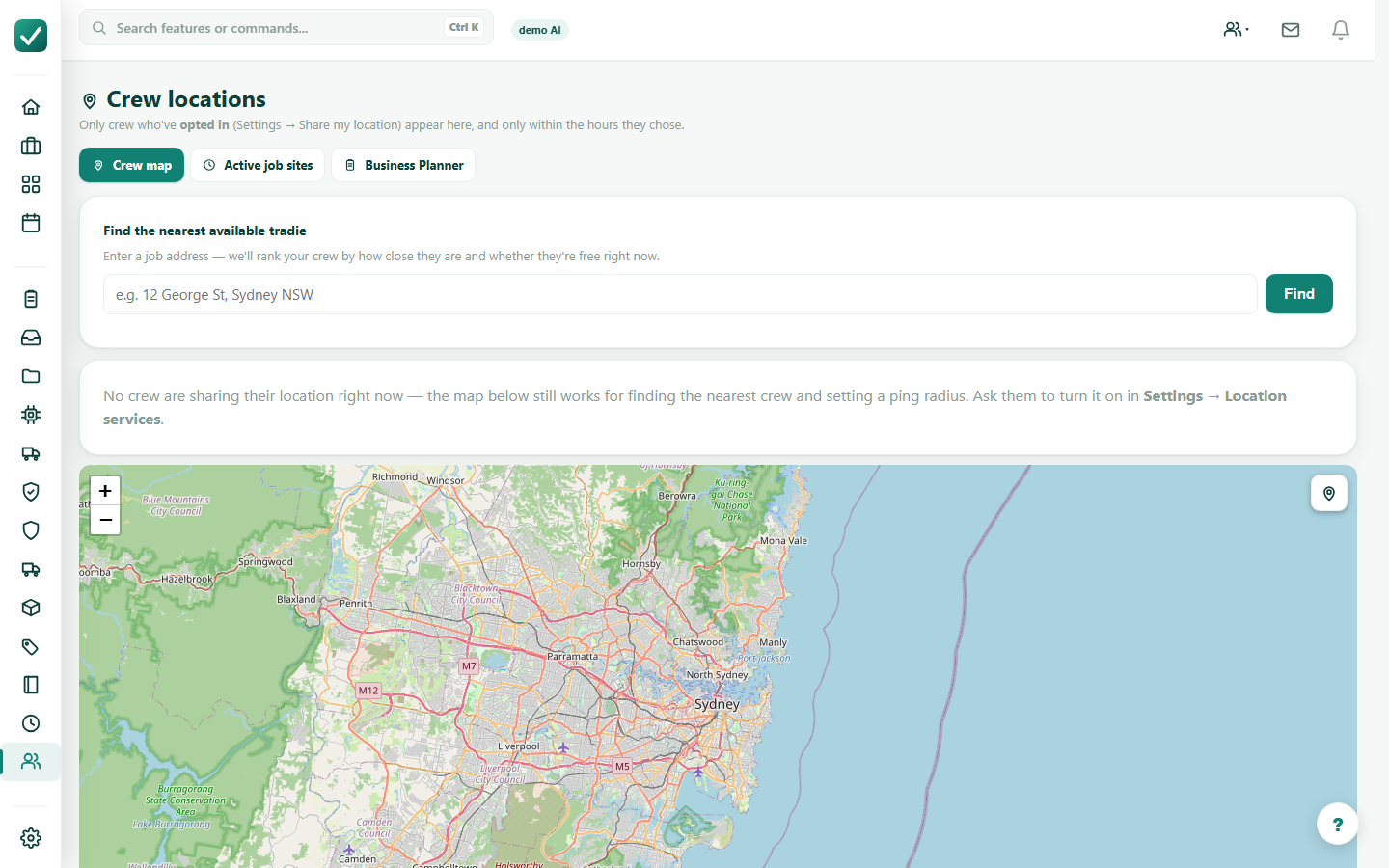
Step 1
Review the calendar
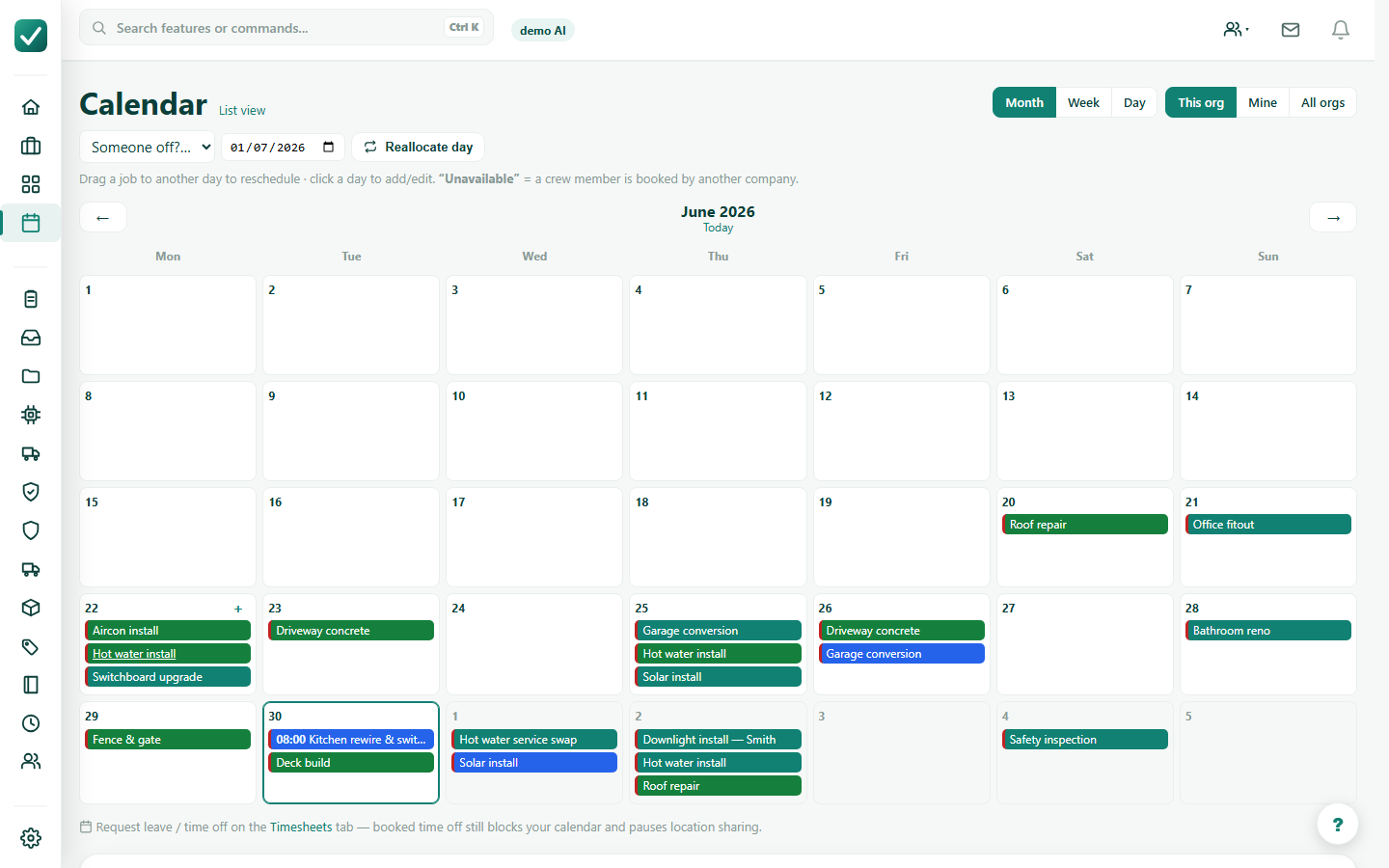
Open the Jobs calendar and choose the day, week, or month you need to plan.
Tutorial
Plan work on the calendar, allocate crew or equipment, and use dispatch views for the day.
Open the Jobs calendar and choose the day, week, or month you need to plan.
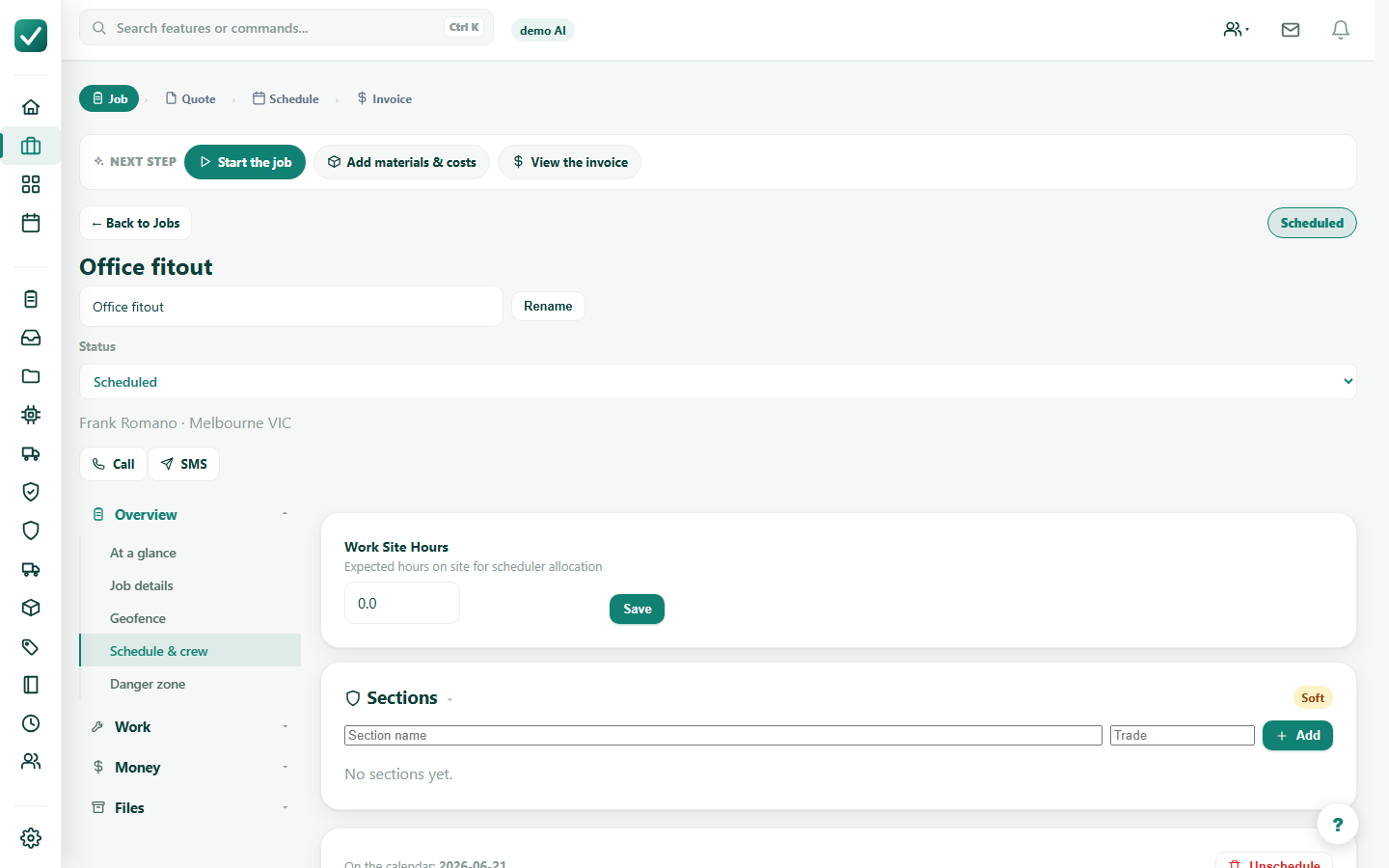
Open the job and confirm scheduled date, time, duration, crew, and site details before dispatching.
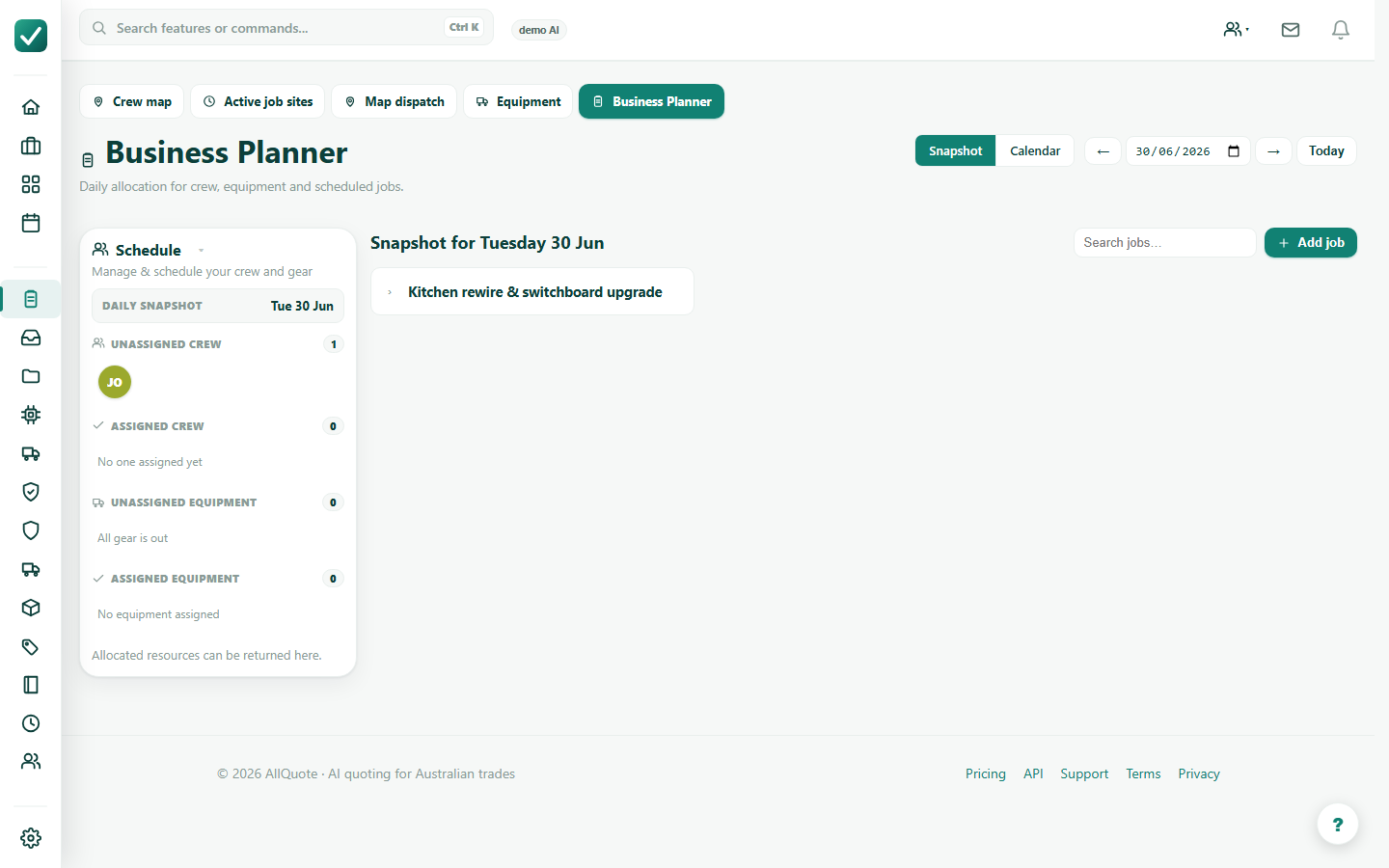
Open Business Planner for the day and assign available crew or equipment to scheduled jobs.
Use opted-in crew locations, job sites, and dispatch context to make the final allocation decision.