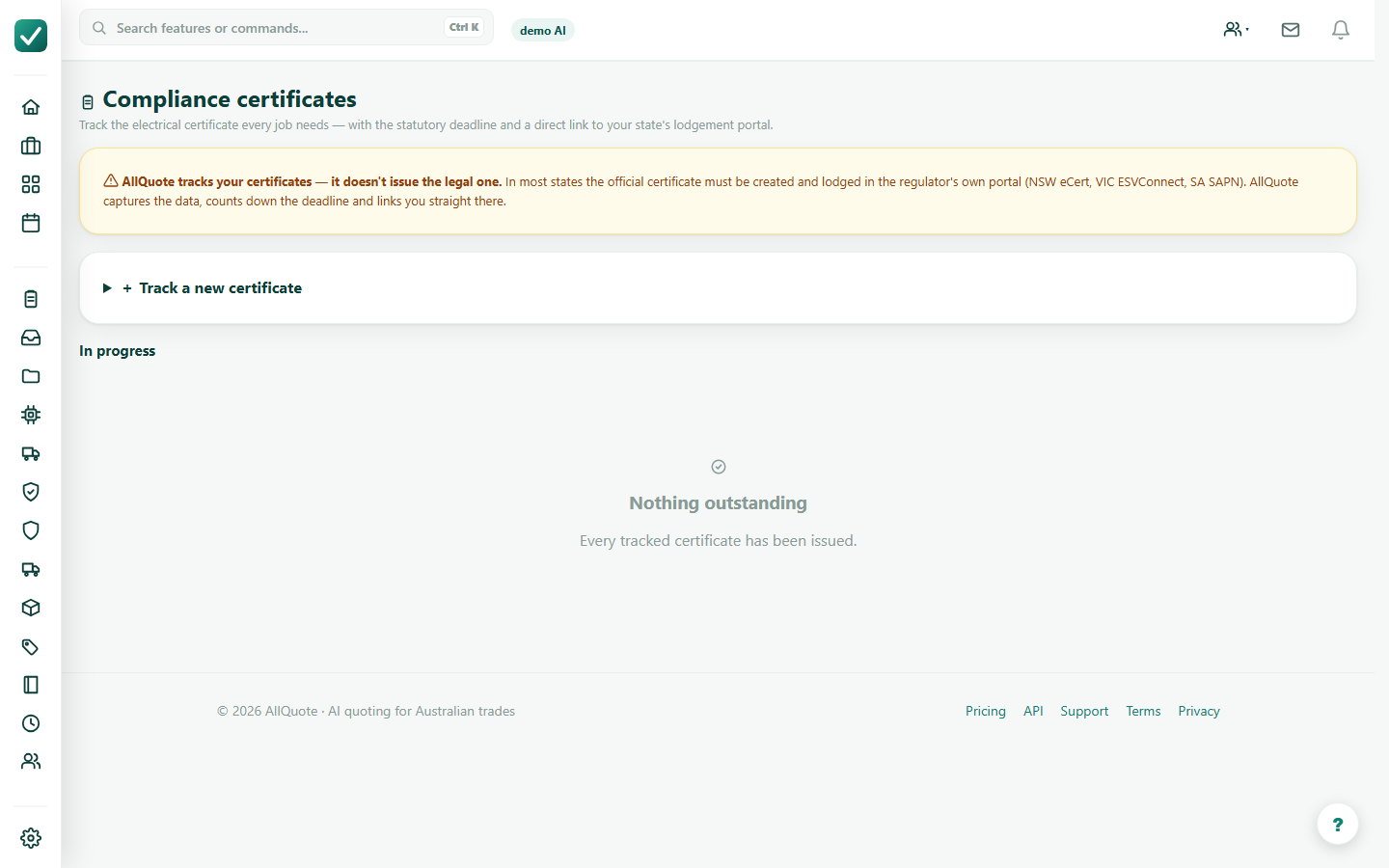
Step 1
Open licences
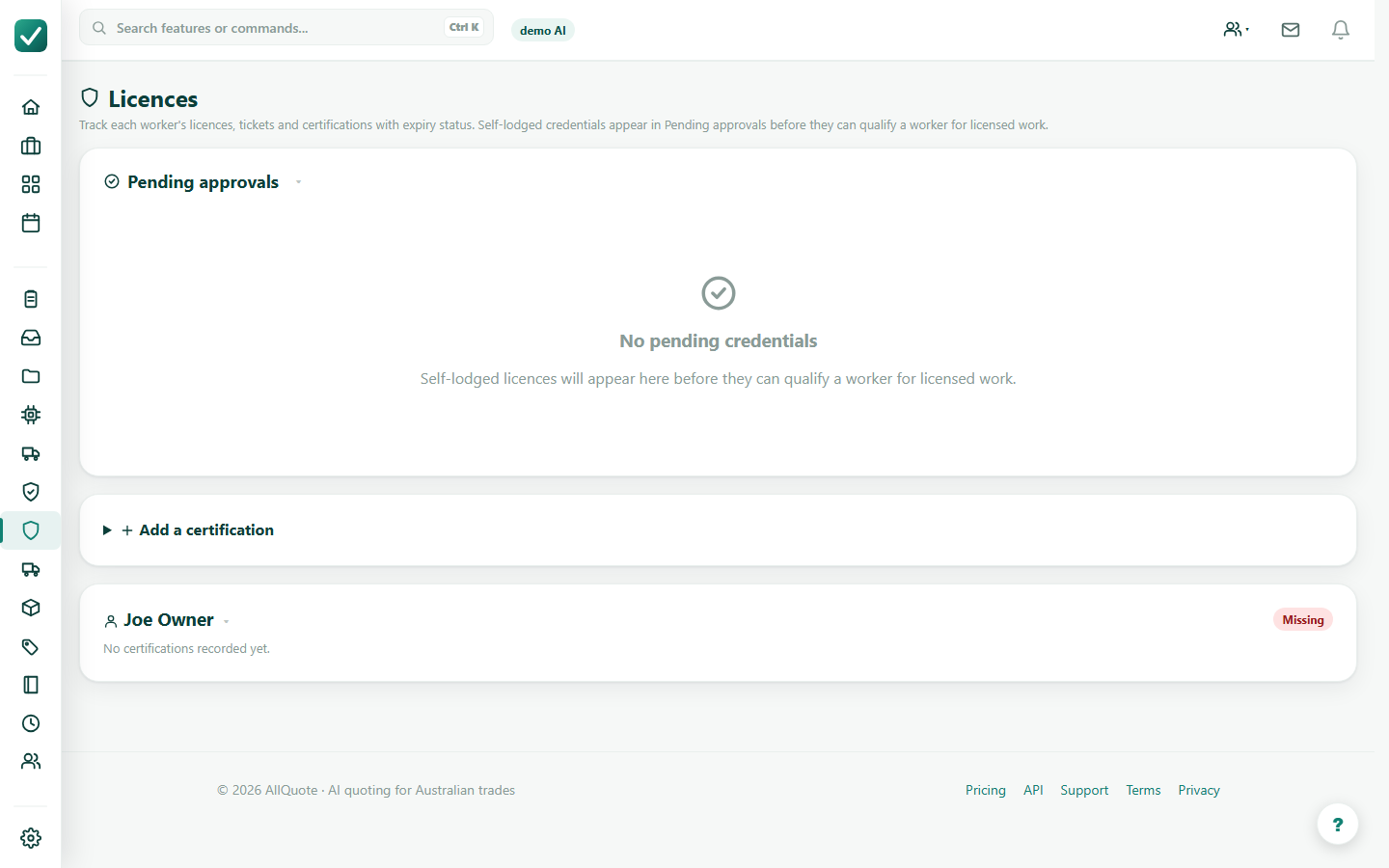
Use Licences to review worker licences, certifications, expiry dates, and evidence that must stay current.
Tutorial
Track licences, complete job forms, and keep compliance evidence attached to the work.
Use Licences to review worker licences, certifications, expiry dates, and evidence that must stay current.
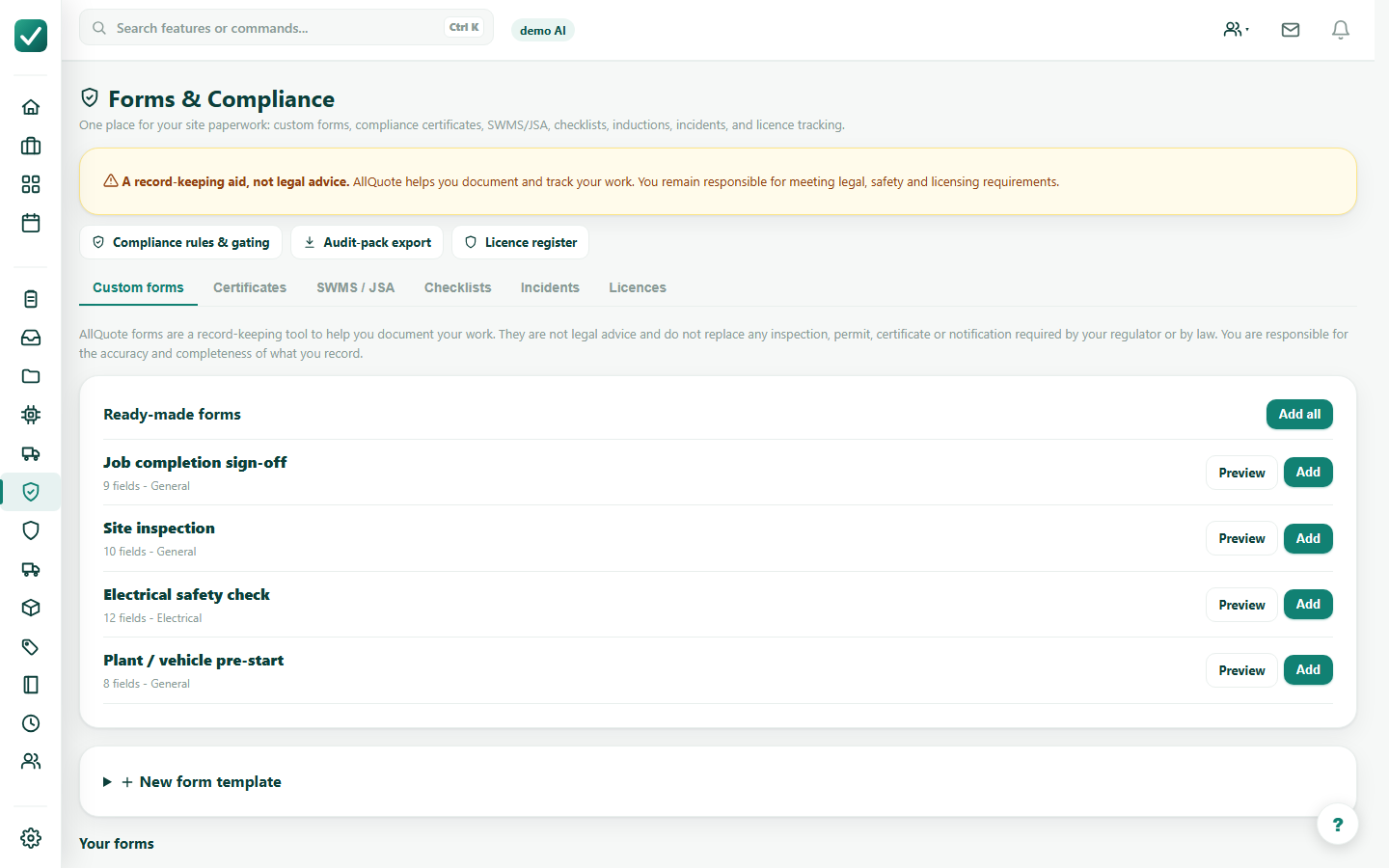
Use Compliance Hub for SWMS, JSA, checklists, certificates, and other records needed by your business process.
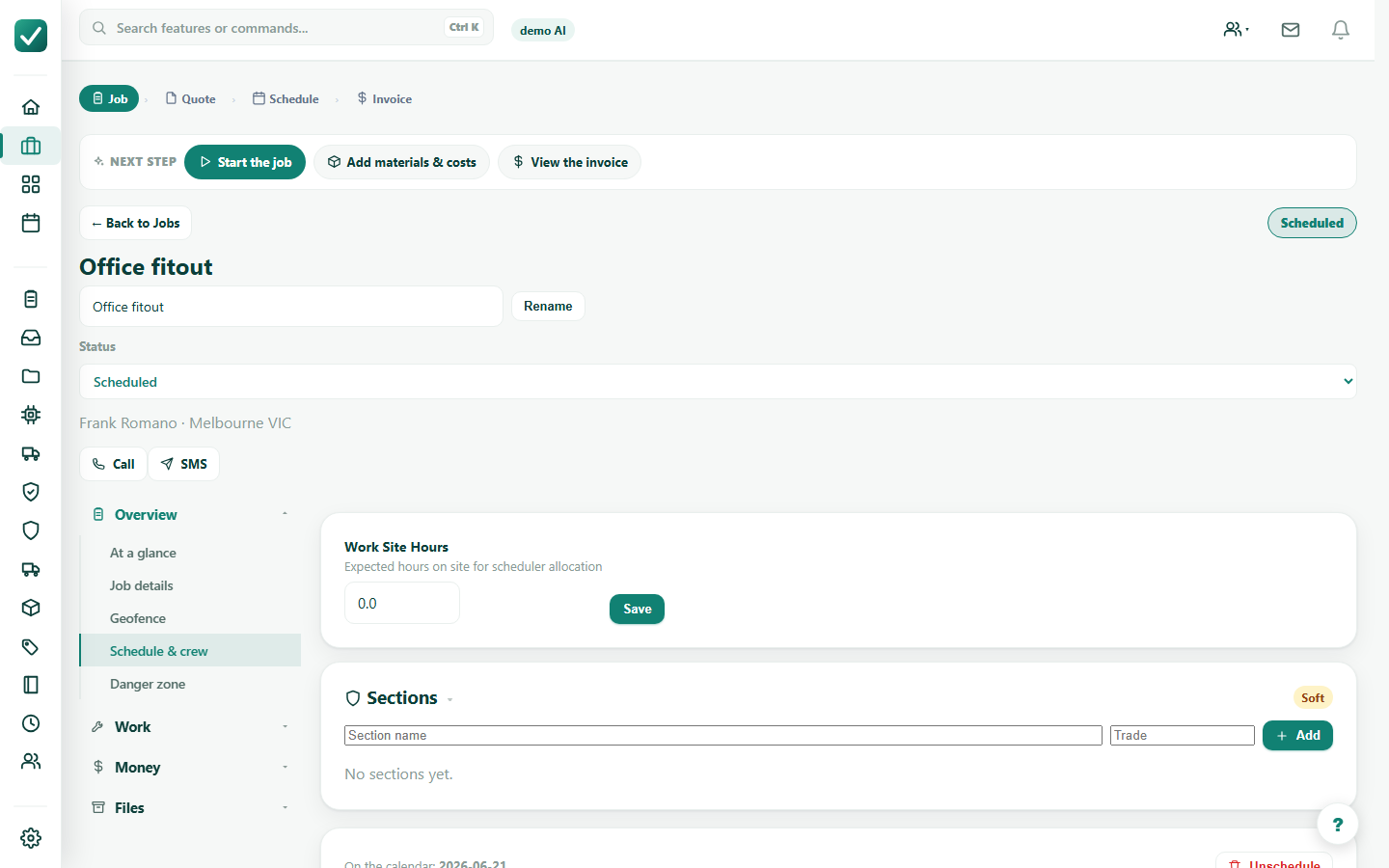
From the job, use the Compliance Hub area to keep required paperwork with the work record.
Review the compliance register and export records where required for internal filing or an audit trail.