Step 1
Open the accepted quote
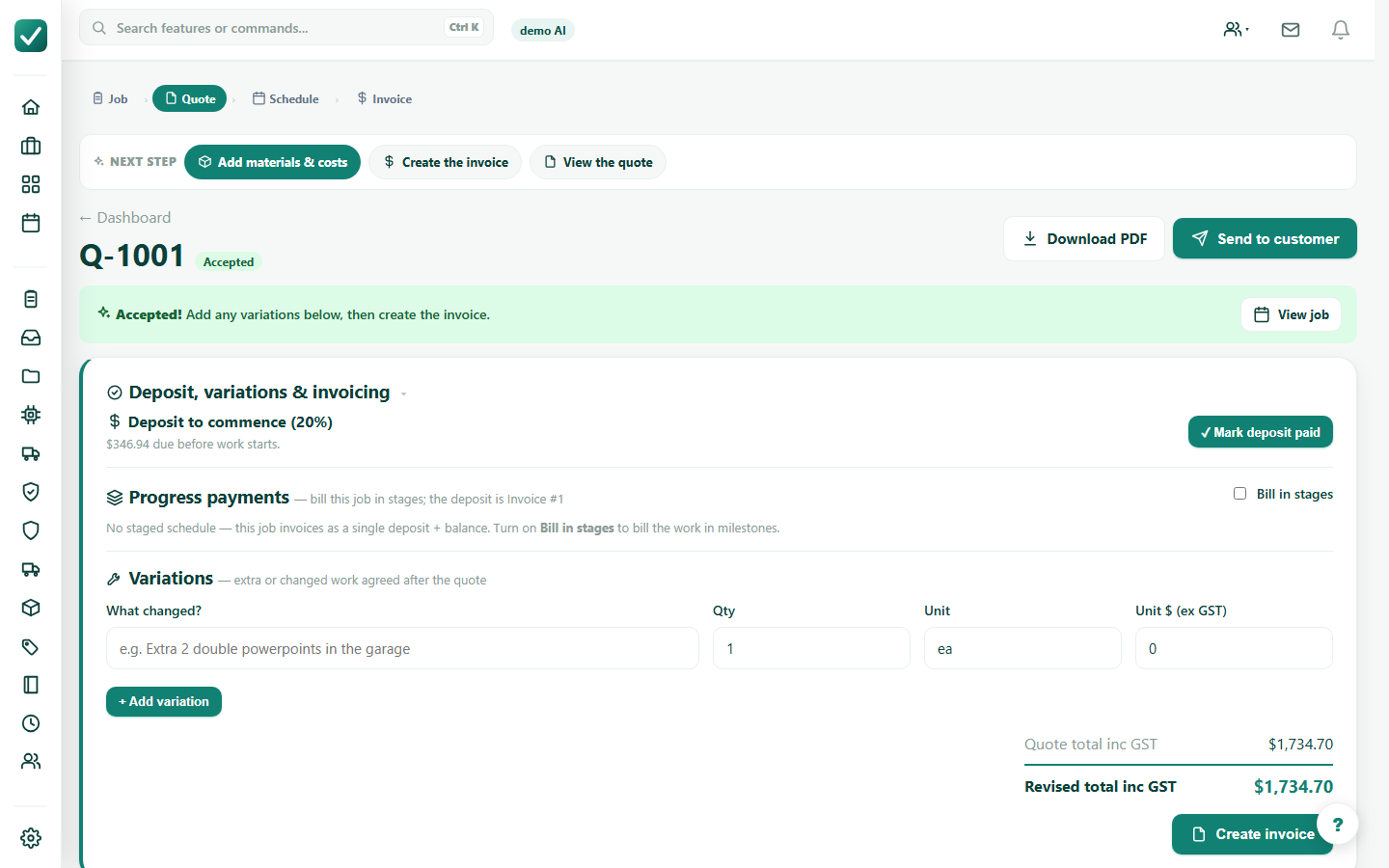
Open the quote after the customer accepts, or mark the customer response if you are recording acceptance manually.
Tutorial
Move an accepted quote into job tracking so schedule, crew, costs, files, and money stay together.
Open the quote after the customer accepts, or mark the customer response if you are recording acceptance manually.
Use the quote's job action. If a job already exists, open it; otherwise create the job so the work can be scheduled and costed.
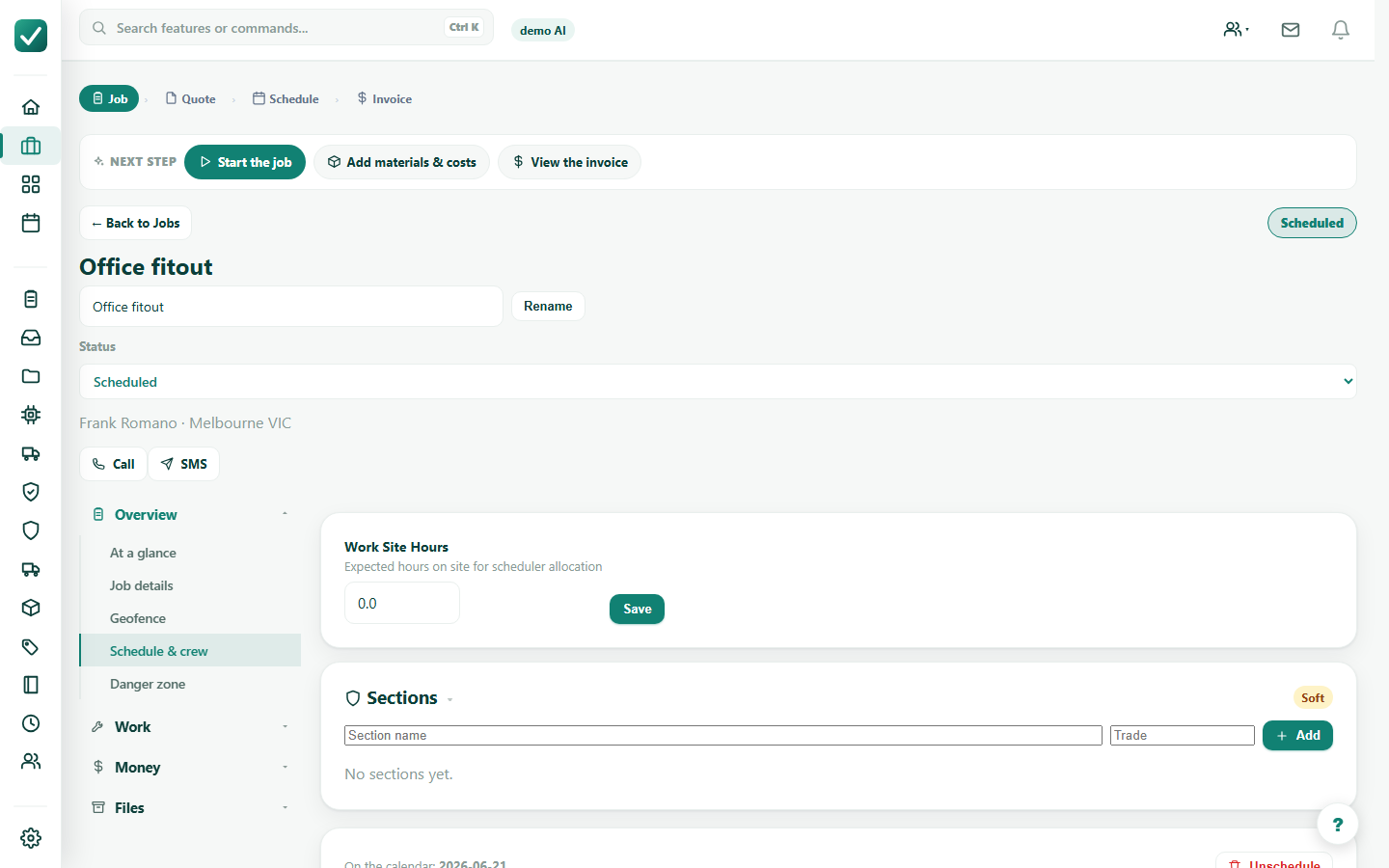
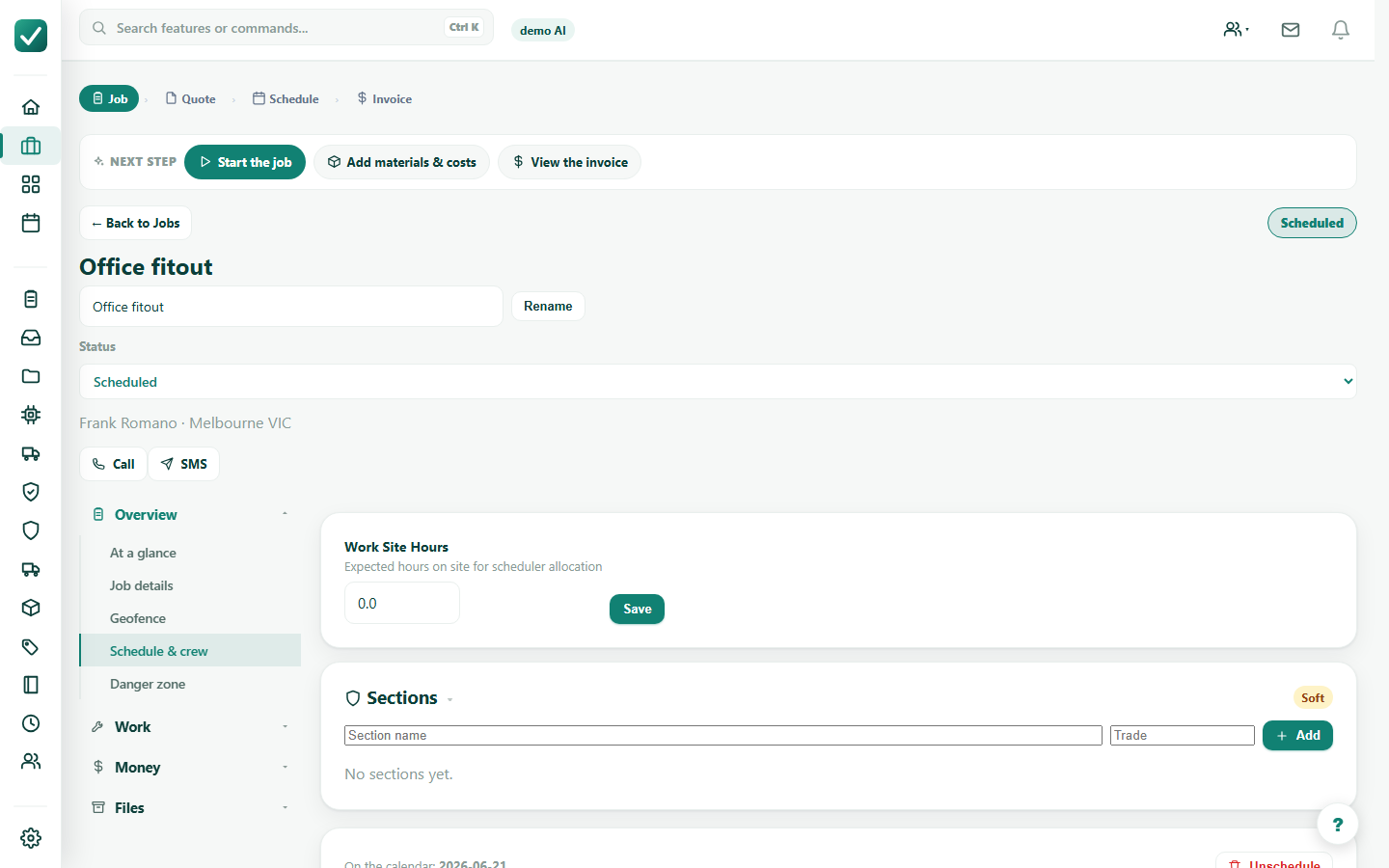
Confirm the job date, time, duration, site address, assigned crew, and expected site hours.
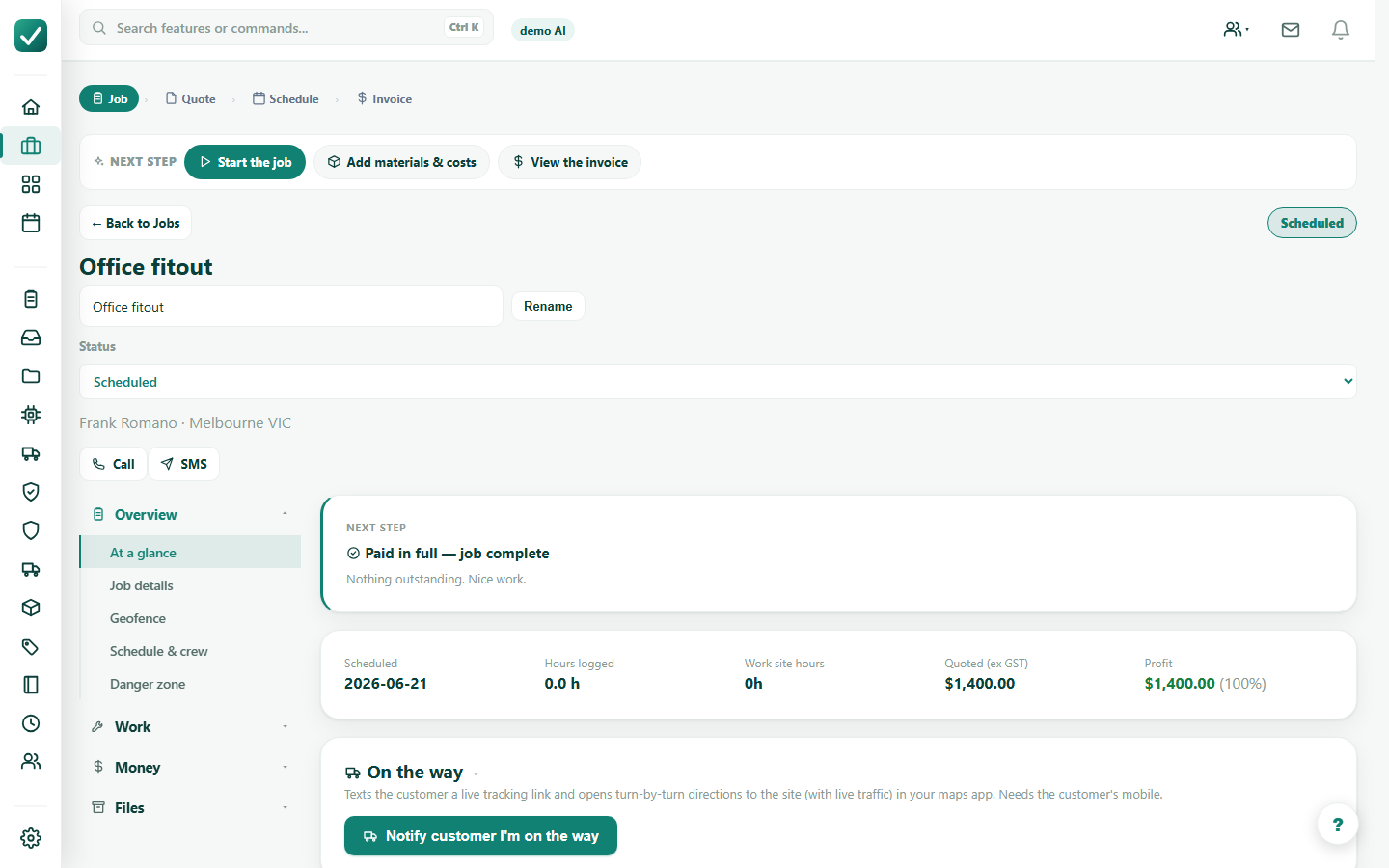
Move the job through scheduled, in progress, invoiced, paid, and complete as the work progresses.