Step 1
Review supplier connection
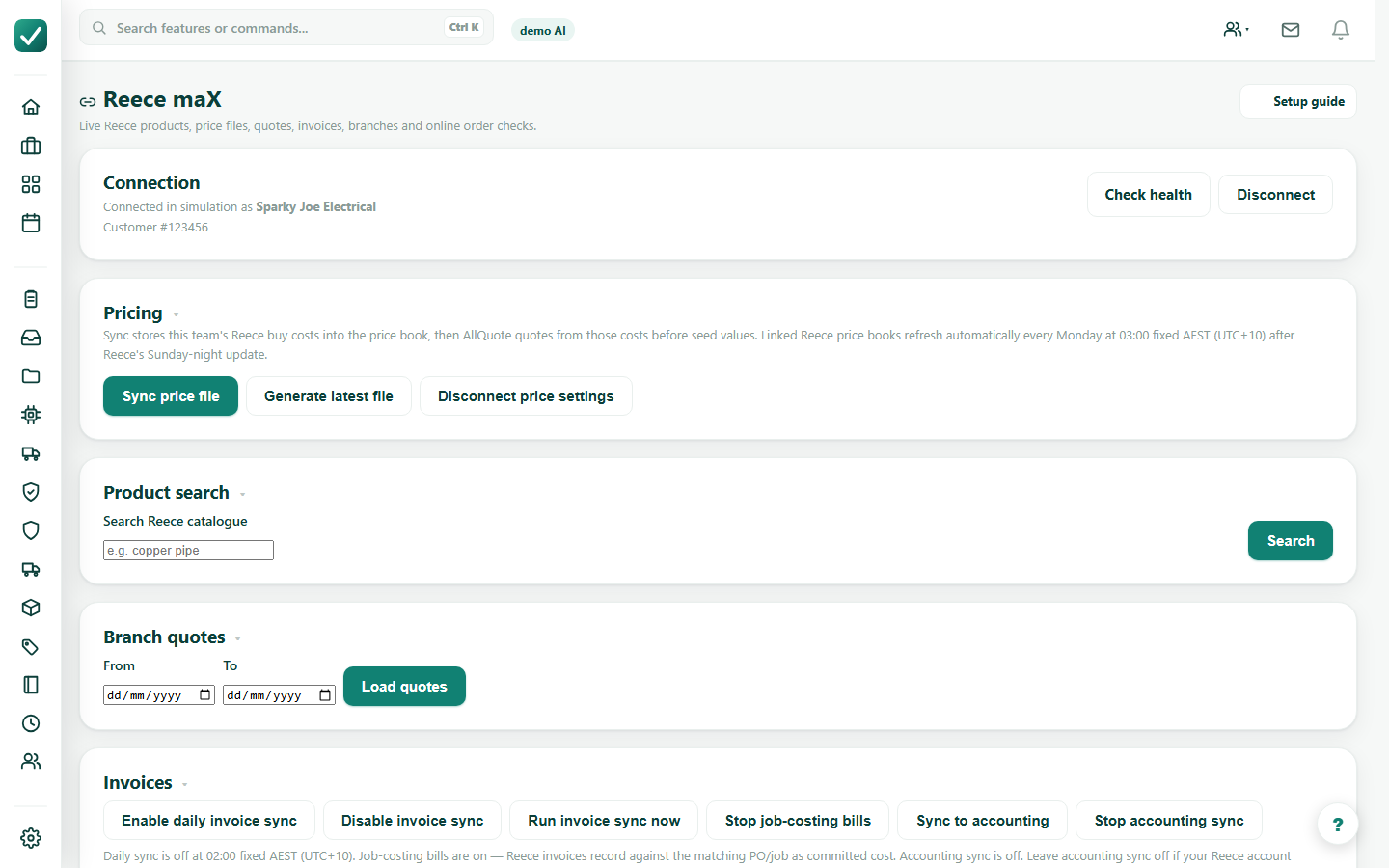
Open the supplier integration, such as Reece maX, and confirm connection, pricing, and branch details before ordering.
Tutorial
Use supplier pricing, purchase orders, and Reece tools to prepare and check an order.
Open the supplier integration, such as Reece maX, and confirm connection, pricing, and branch details before ordering.
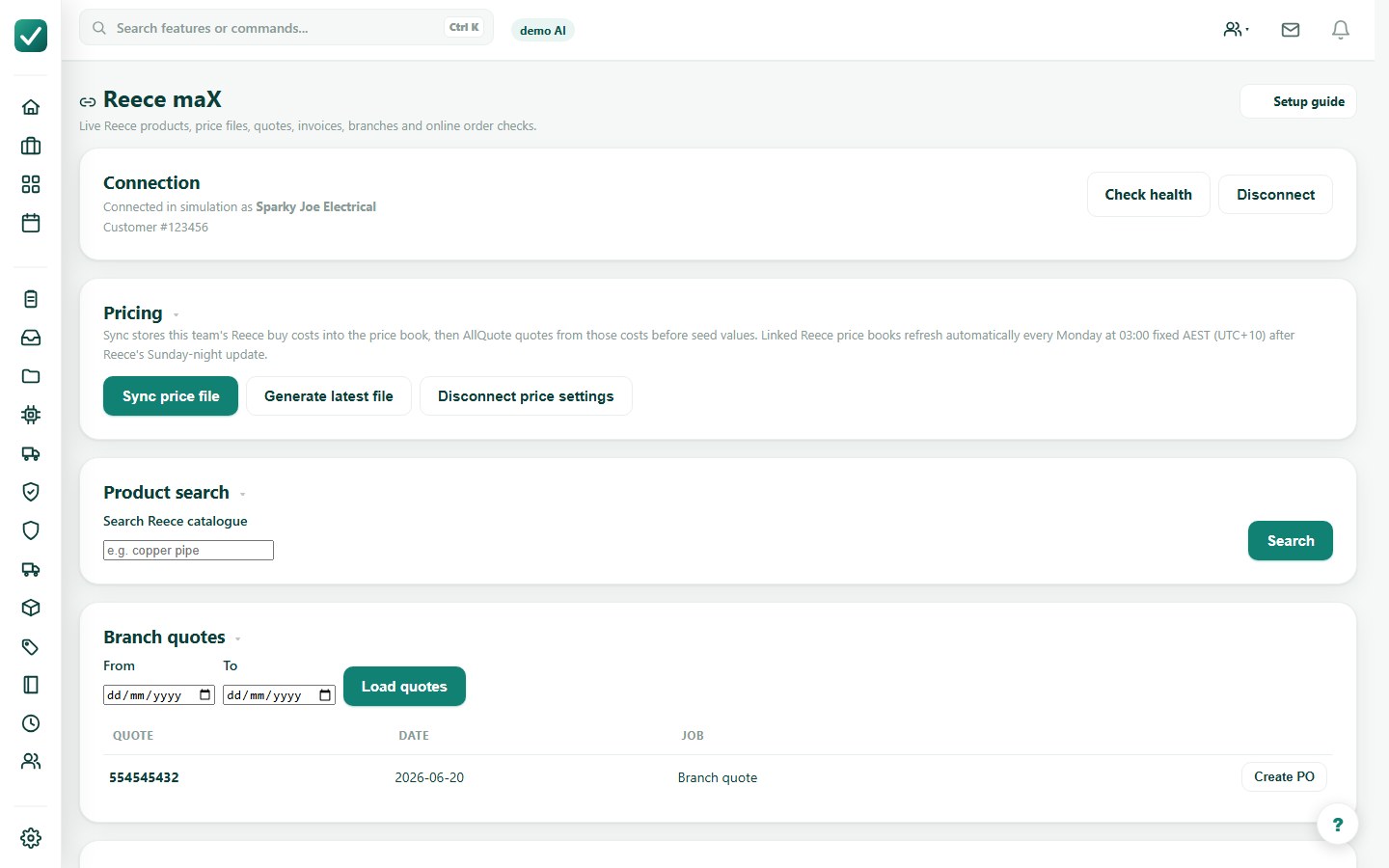
Search products, load branch quotes, or sync pricing so the order uses the correct supplier rows and quantities.
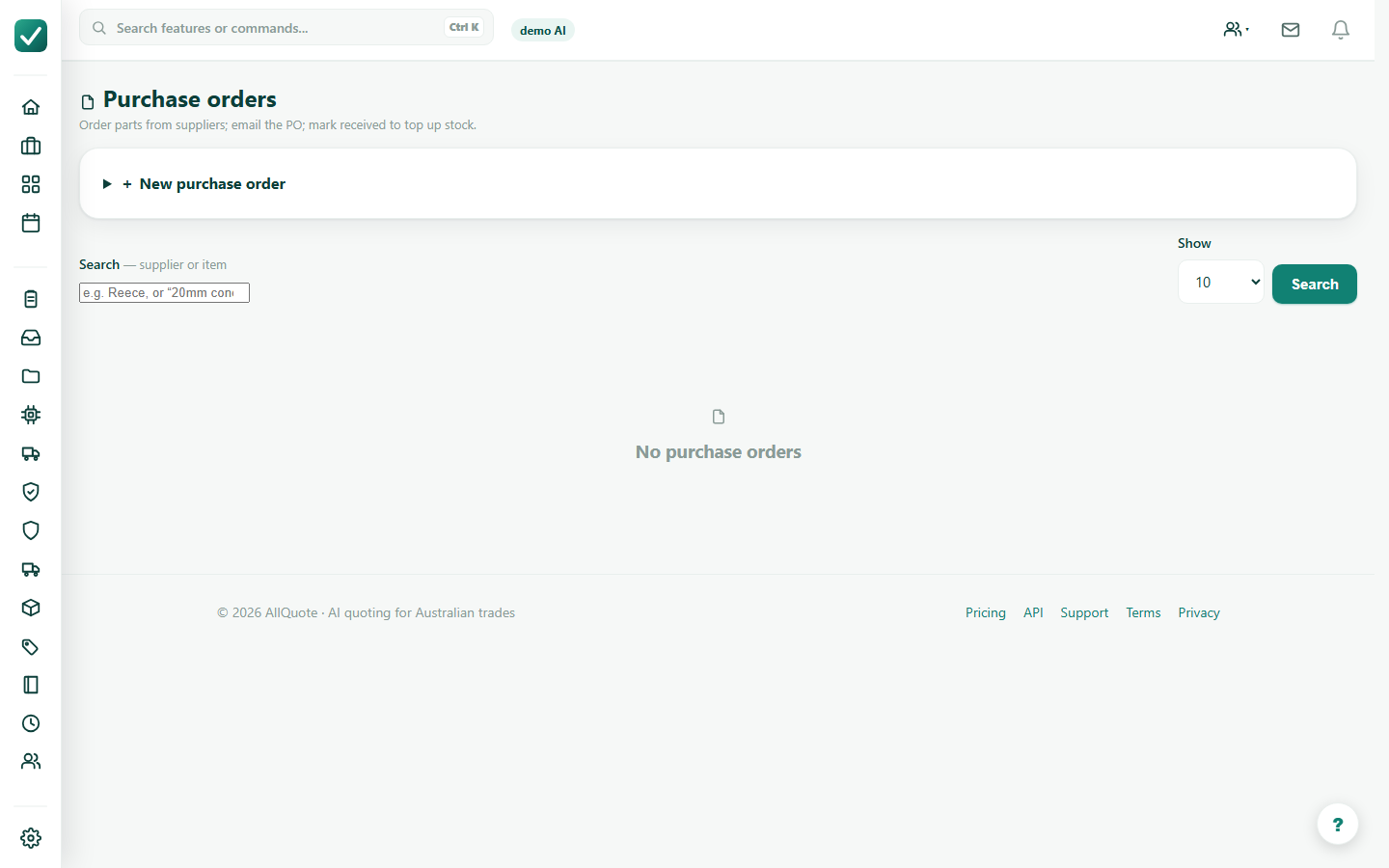
Create or open the purchase order, check every line, supplier, job link, delivery or pickup details, and price.
Use preview and check actions before placing a live supplier order. Submit only after the order is correct.