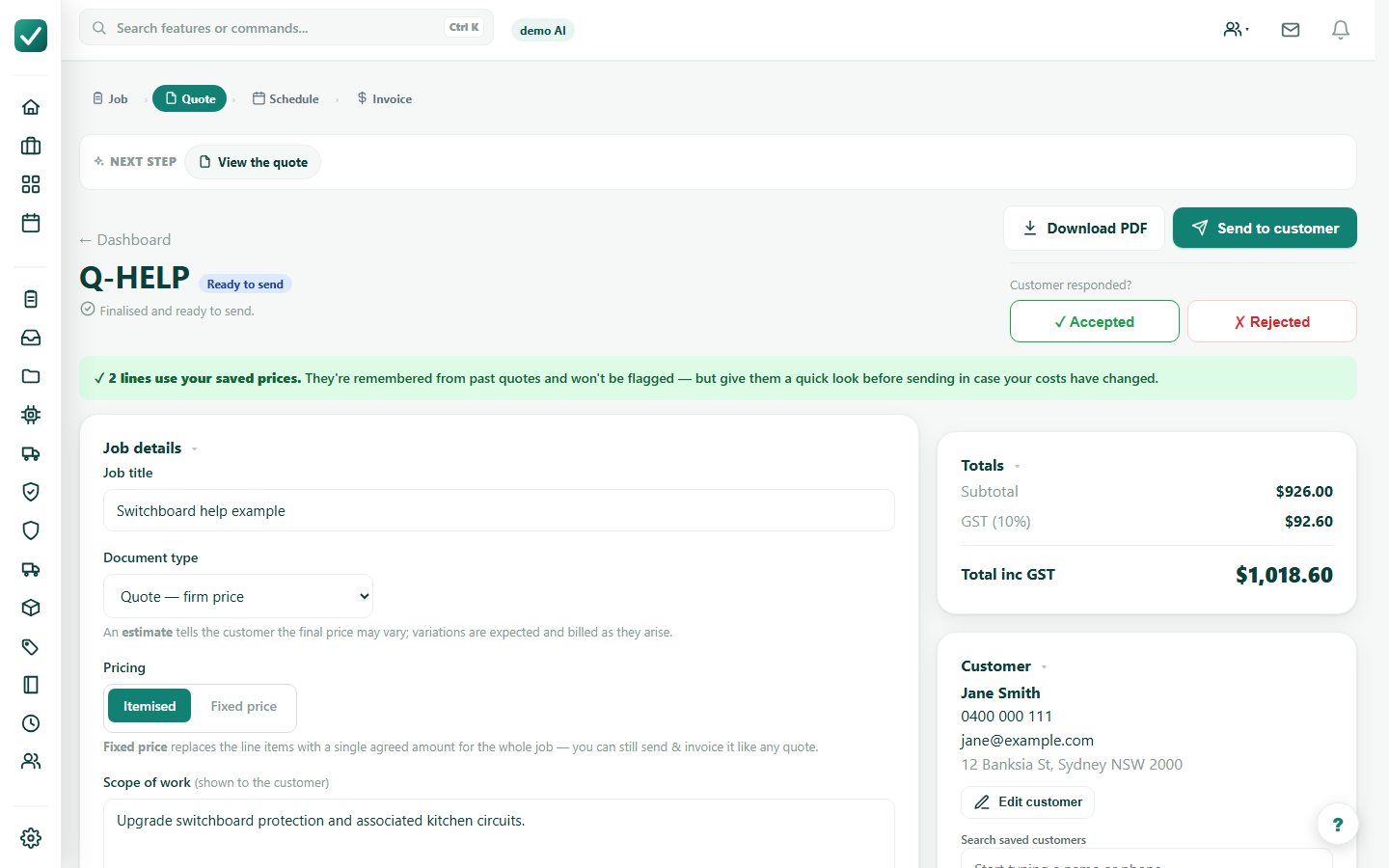
Step 1
Write specific job notes
Type the job as plainly as possible. Include access, quantities, exclusions, site constraints, and the trade-specific details that change labour or materials.
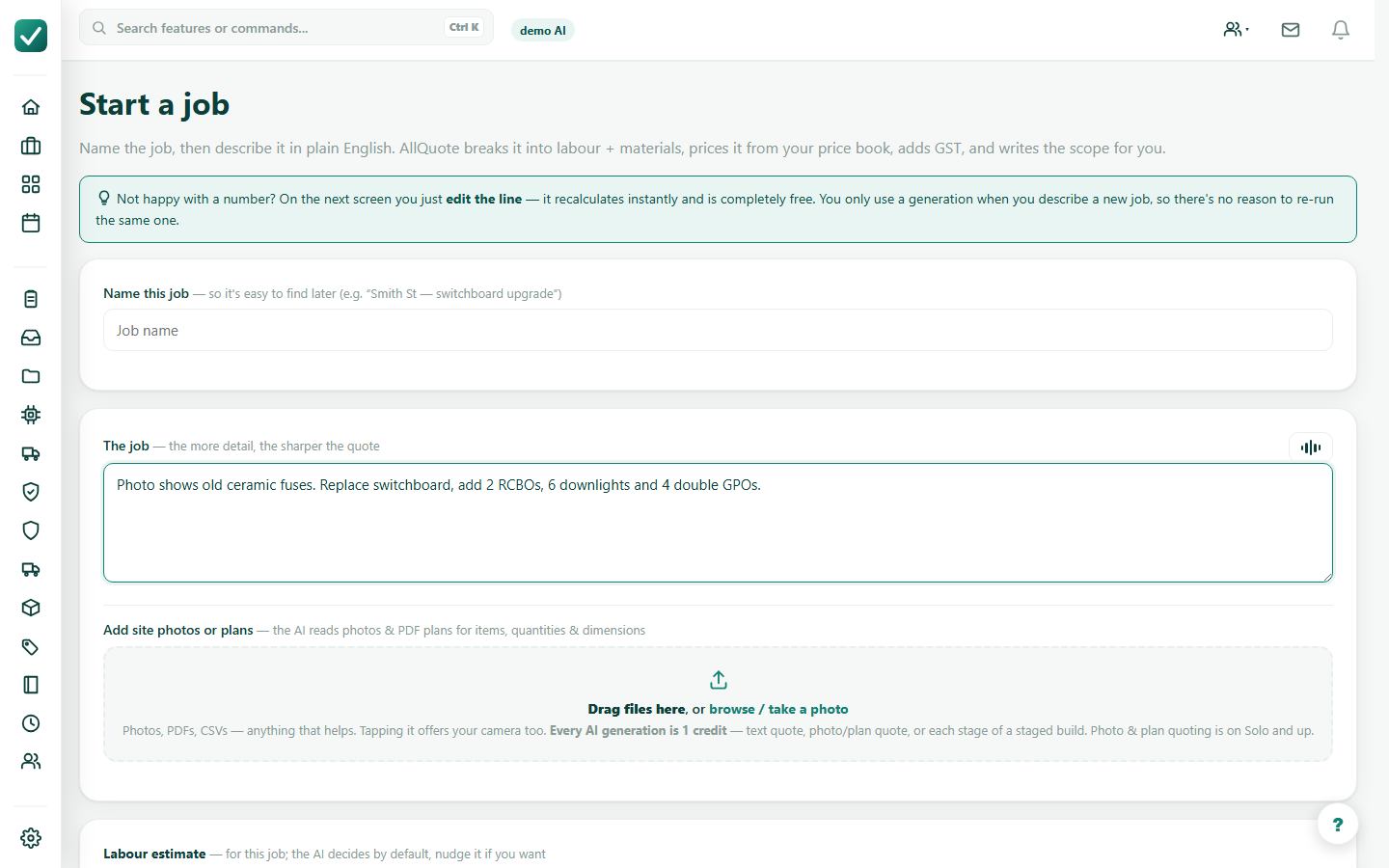
Tutorial
Use job notes plus photos, plans, or other files to generate a draft quote.
Type the job as plainly as possible. Include access, quantities, exclusions, site constraints, and the trade-specific details that change labour or materials.
Add clear photos, PDFs, plans, or supporting files. Keep the attachments focused on the work so the AI has less irrelevant material to read.
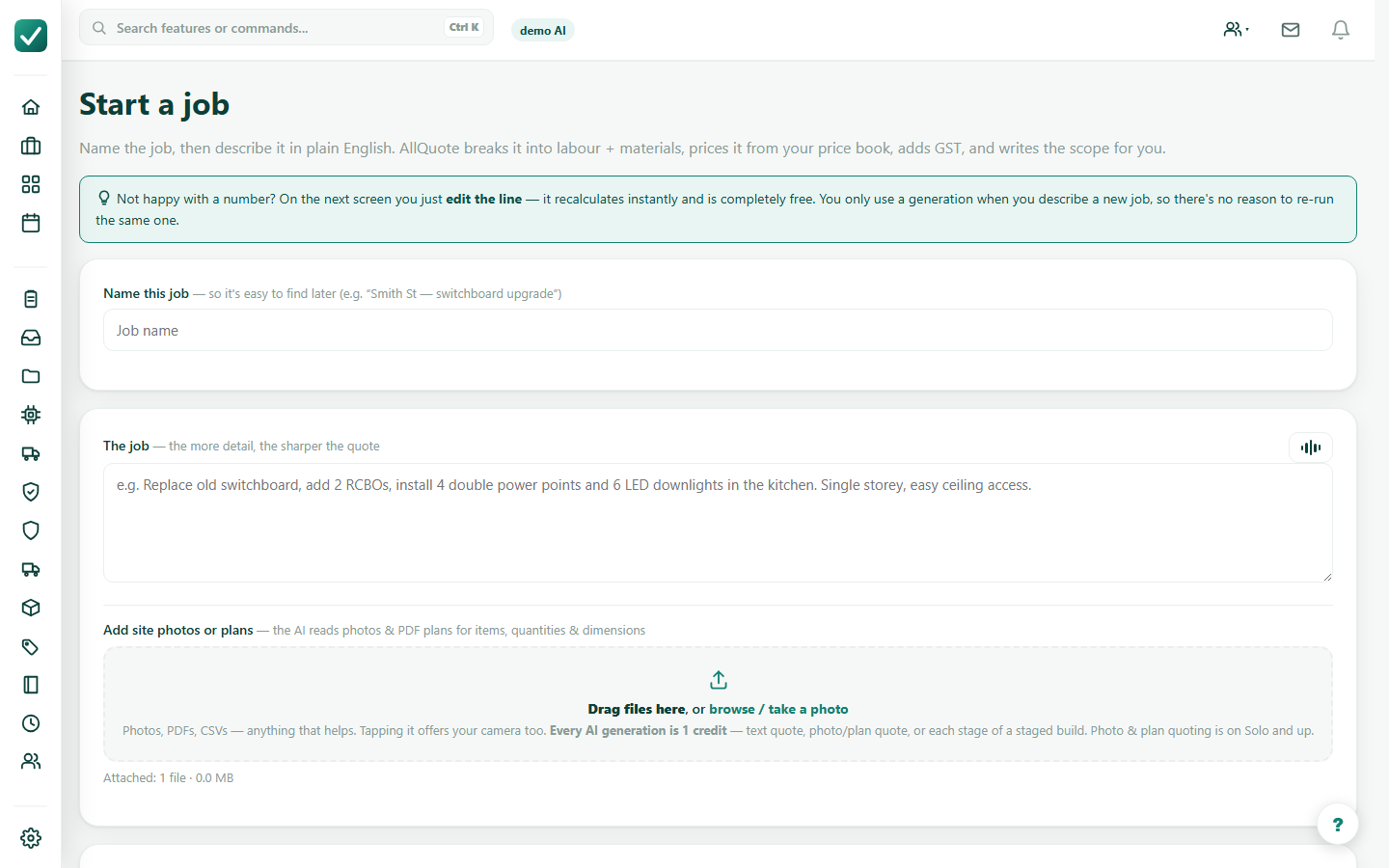
Start generation and let the progress state finish. If the job needs clarifying questions, answer the ones that affect scope or price before continuing.
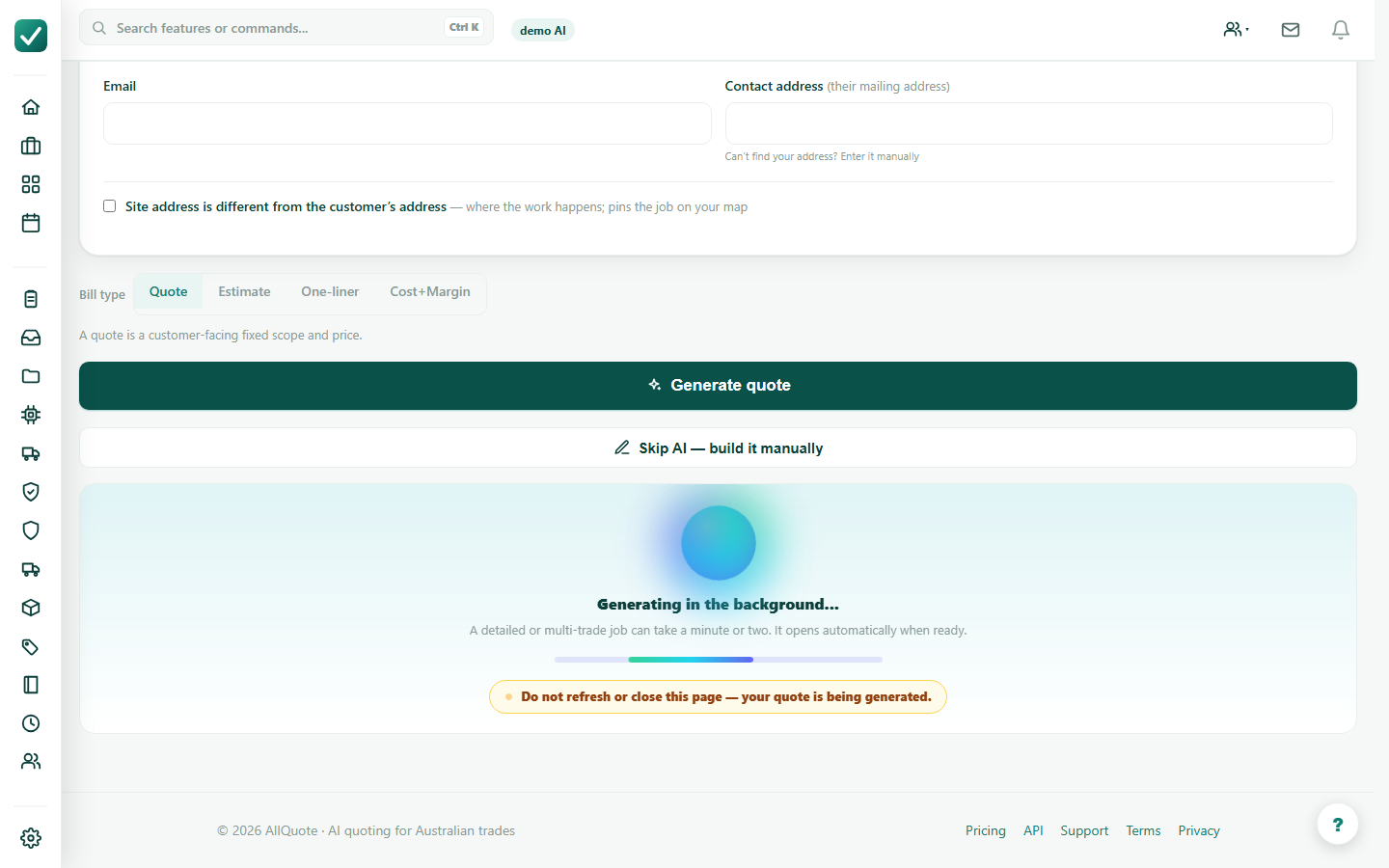
Review the generated lines against the real job. Correct the price book, quantities, labour, or scope before sending the customer version.